Your Expertise. Your Voice.
Evaluation Report-Writing Tools That Work Your Way
Streamline evaluation report writing with customizable SMART Templates, checklists, outlines, tables, and recommendations. Use our library or create your own resources to match your reporting style. Optional AI-Assist helps refine narratives and suggest goals or recommendations, while you stay in control.
Automatically Turn Assessment Results into Evaluation Reports
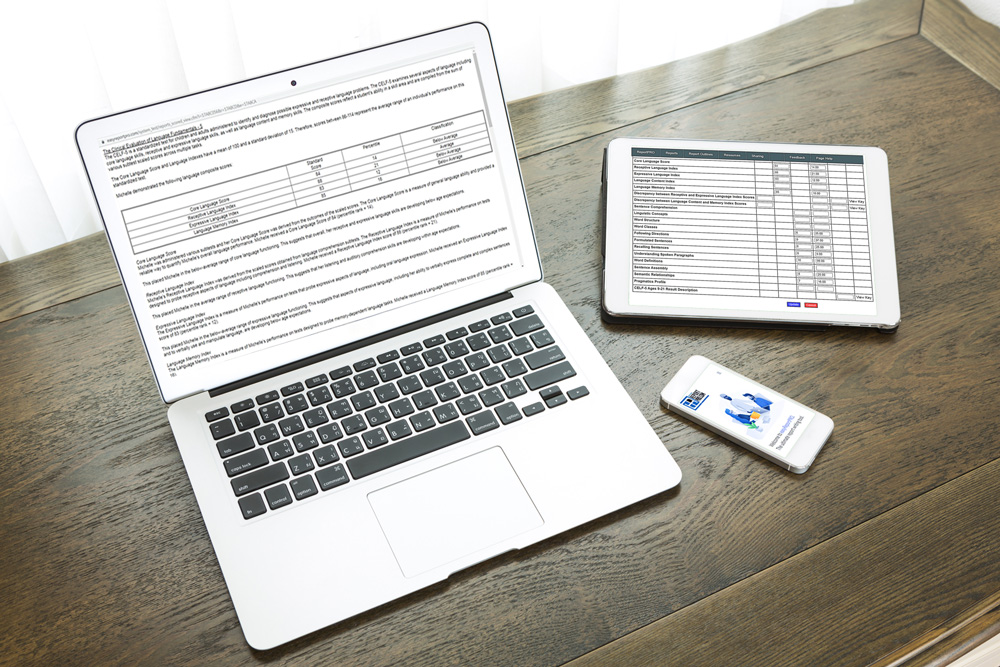
SMART Assessment Templates
Use entered results to auto-populate score-based descriptions. Review the narrative and add individual interpretation.
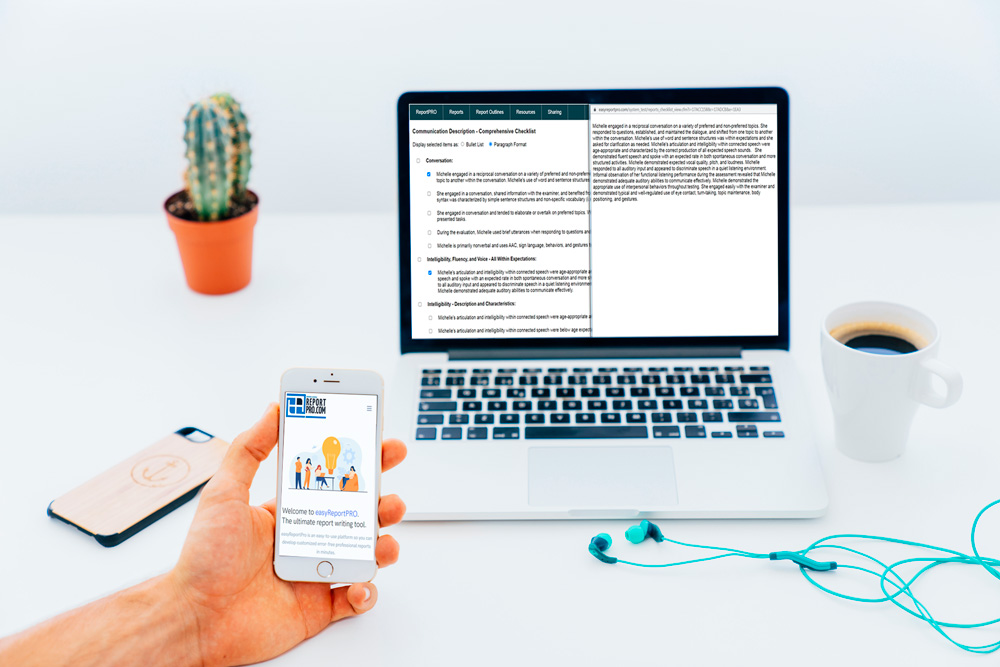
Observation Checklists
Select descriptive information and organize it into paragraphs or bullet lists, or select AI-Assist to help with overall flow.

Tables and Visuals
Present assessment findings with tables and supported charts that help readers understand the results.
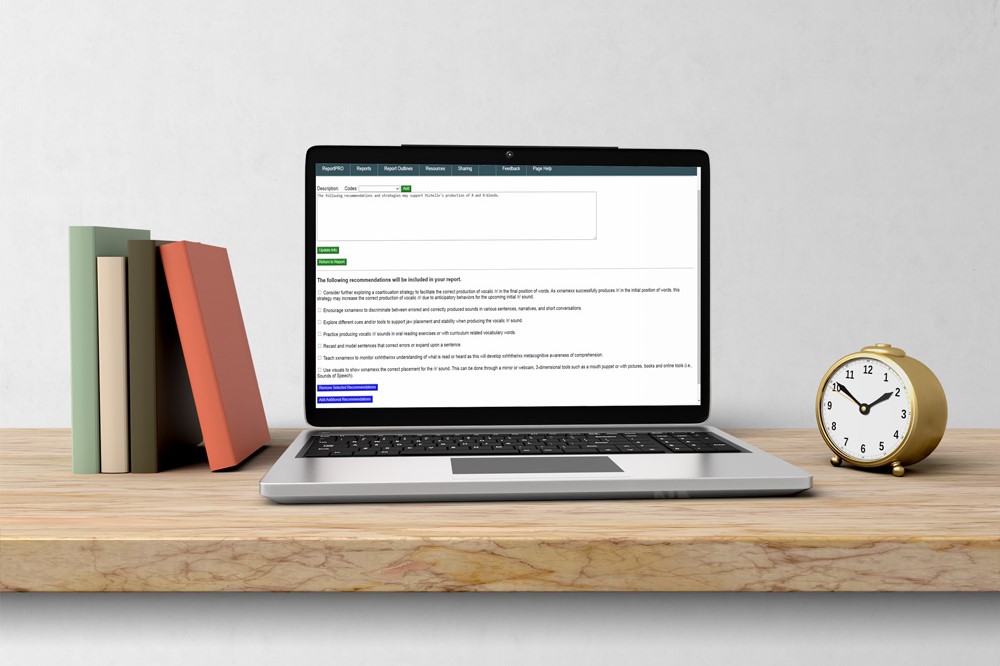
Outlines and Recommendations
Link frequently used templates into report outlines and choose recommendations from our bank or use AI suggestions.
How the tools work together
Different Tools.
Different Report-Writing Tasks.
easyReportPRO combines customizable template automation with optional AI assistance. Each serves a specific purpose in the evaluation report-writing process, from organizing assessment results to refining narratives and exploring recommendations. Here's how they work.
Assessment Descriptions and Score Tables
Enter assessment results to automatically populate report descriptions and score tables. The wording comes from templates you select, customize or create, not AI-generated text.
Narrative Flow and Cohesion
Use optional AI-Assist to improve the clarity and flow of evaluation report narratives. AI-generated text initially appears in bright red for easy identification and review, allowing you to verify that it preserves your findings and intended meaning.
Goal and Recommendation Ideas
Choose from our extensive library or use optional AI for additional goal and recommendation suggestions. You decide what to use, modify, or reject based on your professional judgment. All report-writing features work without AI.
Your content, your workflow
Customize Evaluation Report Templates to Fit Your Style
Start with easyReportPRO's SMART Templates and customize the wording, or create your own evaluation report templates from scratch. Save your resources in a private library and combine them into reusable report outlines that reflect your evaluation process.
Working with a team? Share selected templates to support consistent reporting while preserving each provider's professional judgment and writing style.
Explore Template CustomizationStart Your Free Trial
Discover a faster way to write evaluation reports.
Start My Free Trial →Already have an account? Log in here →
A practical place to start
Support for Getting Started
A guided walkthrough and built-in help introduce the platform. Choose the starting point that fits how you work.
Individual Providers
Explore the trial, follow the walkthrough, or request a support session.
Frequently Asked QuestionsClinics and School Districts
Discuss shared resources, training, and additional template-development services.
Make Your Next Report Easier
Explore how your existing report structure can work with customized templates and less busywork and writing.
