


For years, my home server has served as an ultra-powerful NAS drive. For a machine as powerful as it is, my home server really only gets used for hosting my Plex library and for backing up photos to reduce my reliance on Google Photos. And while those use cases are perfectly good uses of the hardware, it’s pretty obvious that my server has been going underutilized.
What made this even more noticeable was the growing complexity of my smart home. I’ve been adding devices, but with every new sensor, camera, light or speaker, my set-up has become less cohesive. Google, Apple and Amazon’s smart home ecosystems only go that far at uniting all these disapparate devices. There was no central logic, consistency in automations, and no reliable local control. It’s been pretty obvious to me that I need a better way to do things and what better way than to pull the most powerful device in my home into the equation.
Why a home server is the perfect smart home controller
Control, power and privacy


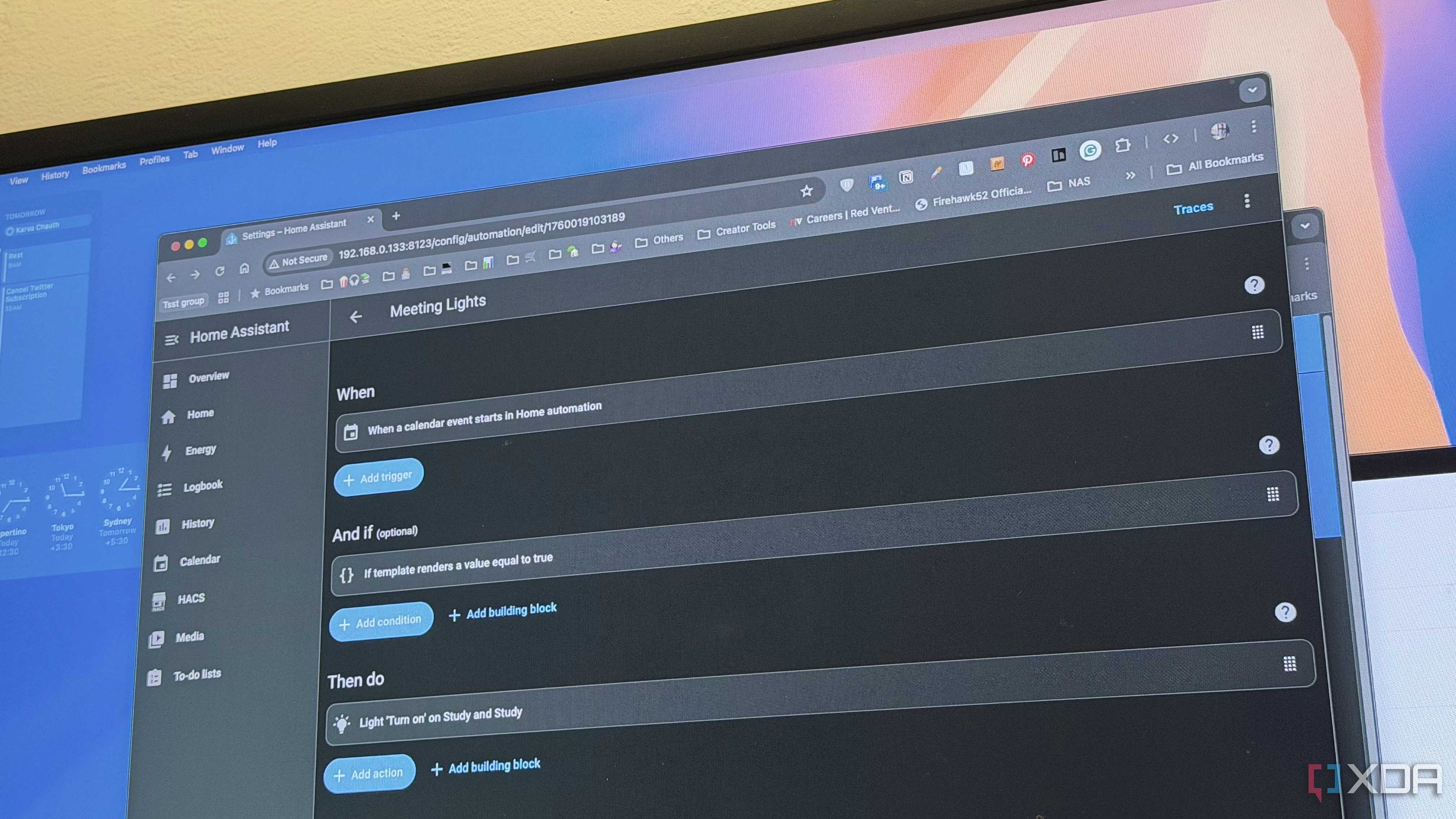


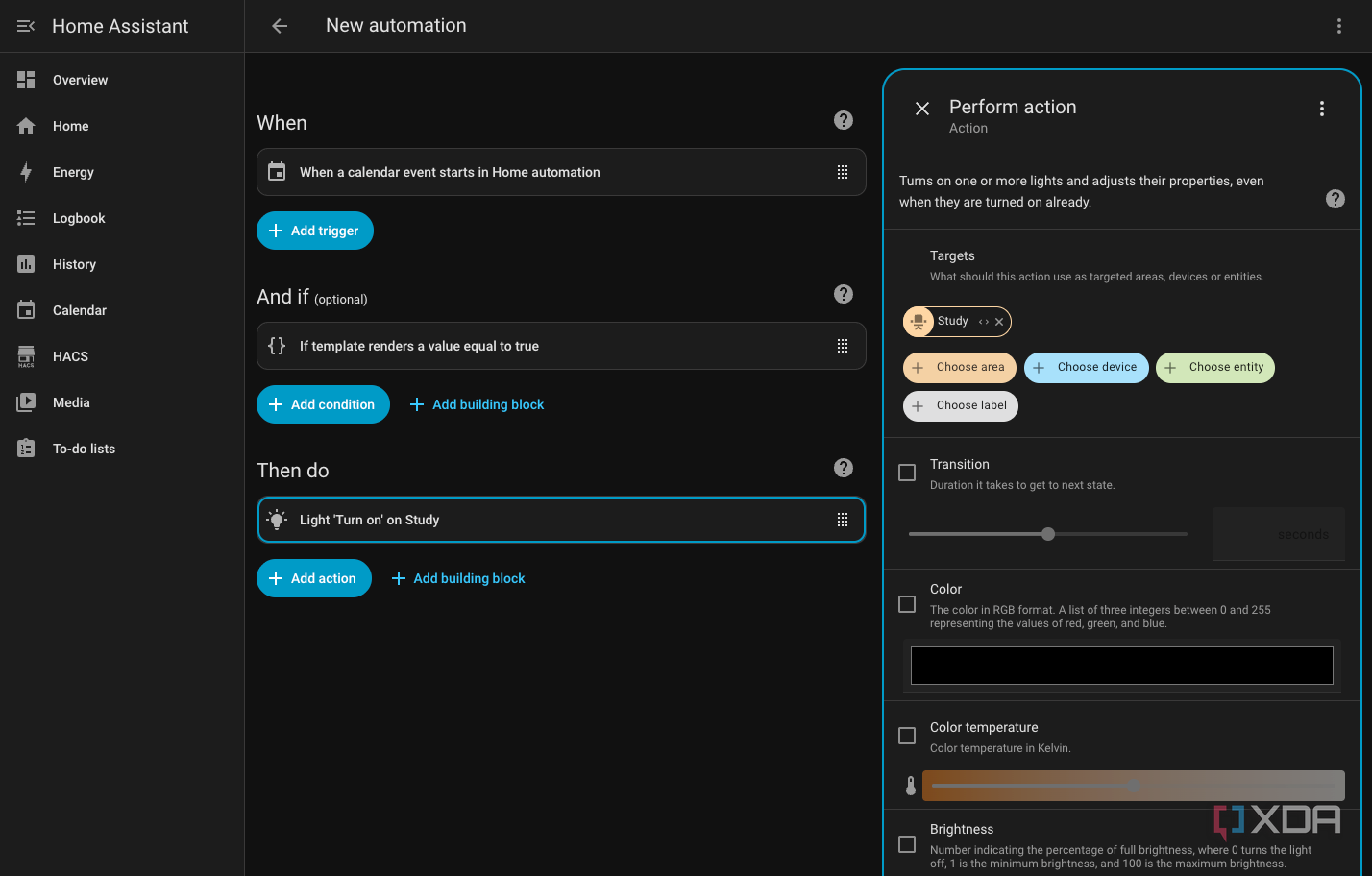
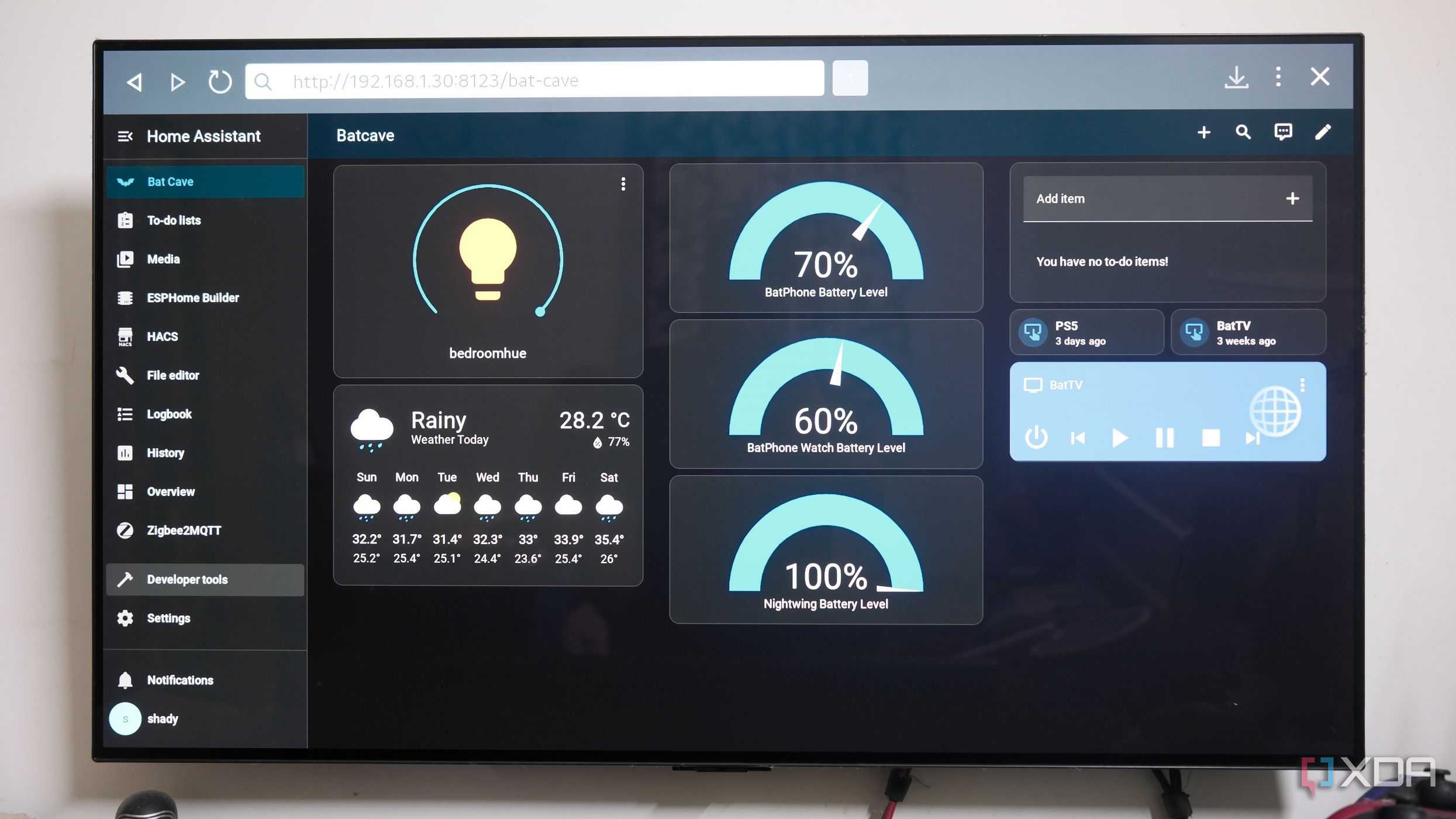
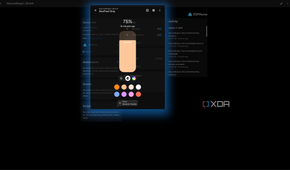

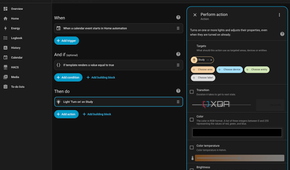
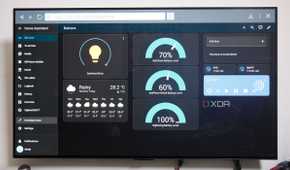
The biggest reason to move smart home logic to a home server is simple. Control. Cloud-based automations sound convenient until you realise that every light switch, motion sensor, or thermostat is talking to the internet. And that’s fine as long as everything is working, but cloud hiccups or a drop in your internet connection can bring your entire smart home down. Not just that, there’s the obvious privacy and data protection angle to consider.
Installing Home Assistant on your home server solves this problem and it does this by shifting the logic to your own local network. Instead of relying on vendor apps and cloud servers, Home Assistant interfaces directly with your smart home devices and bypasses the cloud altogether. This means that responses are generally faster, you have much more control over automations and, by and large, things are more reliable. But the convincing factor is the flexibility of running things on your own server.
Now, let’s be clear. You don’t necessarily need an ultra-powerful server to house your Home Assistant instance. Even something as basic as a Raspberry Pi or a NAS can act as your server. But none of these options offer the performance, stability and long-term reliability offered by a properly built home server. A server gives you local storage for camera recordings, enough compute power for machine learning tasks, and the network hardware to support dozens of devices at once. Once you’ve scaled beyond a few basic devices, a home server becomes the obvious place to run not just Home Assistant, but the entire ecosystem of tools that make a smart home truly work.
I’ve got Home Assistant running on my server via a Docker container, and it’s been rock solid at detecting every single device in my smart home. Be it Zigbee sensors, Wi-Fi switches, smart plugs, cameras and more. Unlike commercial solutions like Google Home, which still tend to drop off devices more often than not, Home Assistant just keeps plugging away. More than that, it exposes all the capabilities available to each of the device and has helped me create a unified layer that lets me make pretty much any device talk to another.
Running the software on powerful hardware reveals additional advantages. For example, automations that would lag a second or more, no longer do. That’s largely because there is no more dependence on the cloud to perform something as basic as toggling a light switch. Similarly, motion sensors are able to trigger relays without any lag at all. I’ve even unlocked additional capabilities like using my Google Nest speakers as Airplay targets, all via Home Assistant.
That final bit ties into the flexibility of Home Assistant. Like I mentioned earlier, you can build automations that cross vendor boundaries and let you make pretty much any device interact with another. So, an Aqara Doorlock could trigger a Hue light, or a Nanoleaf panel, or a Shelly relay. And similarly, you could get a temperature reading from a Sonoff sensor and trigger a fan over infrared. You can even tap into camera detections.
How the server became the actual brain of the set-up
From smarter automations to AI-based control


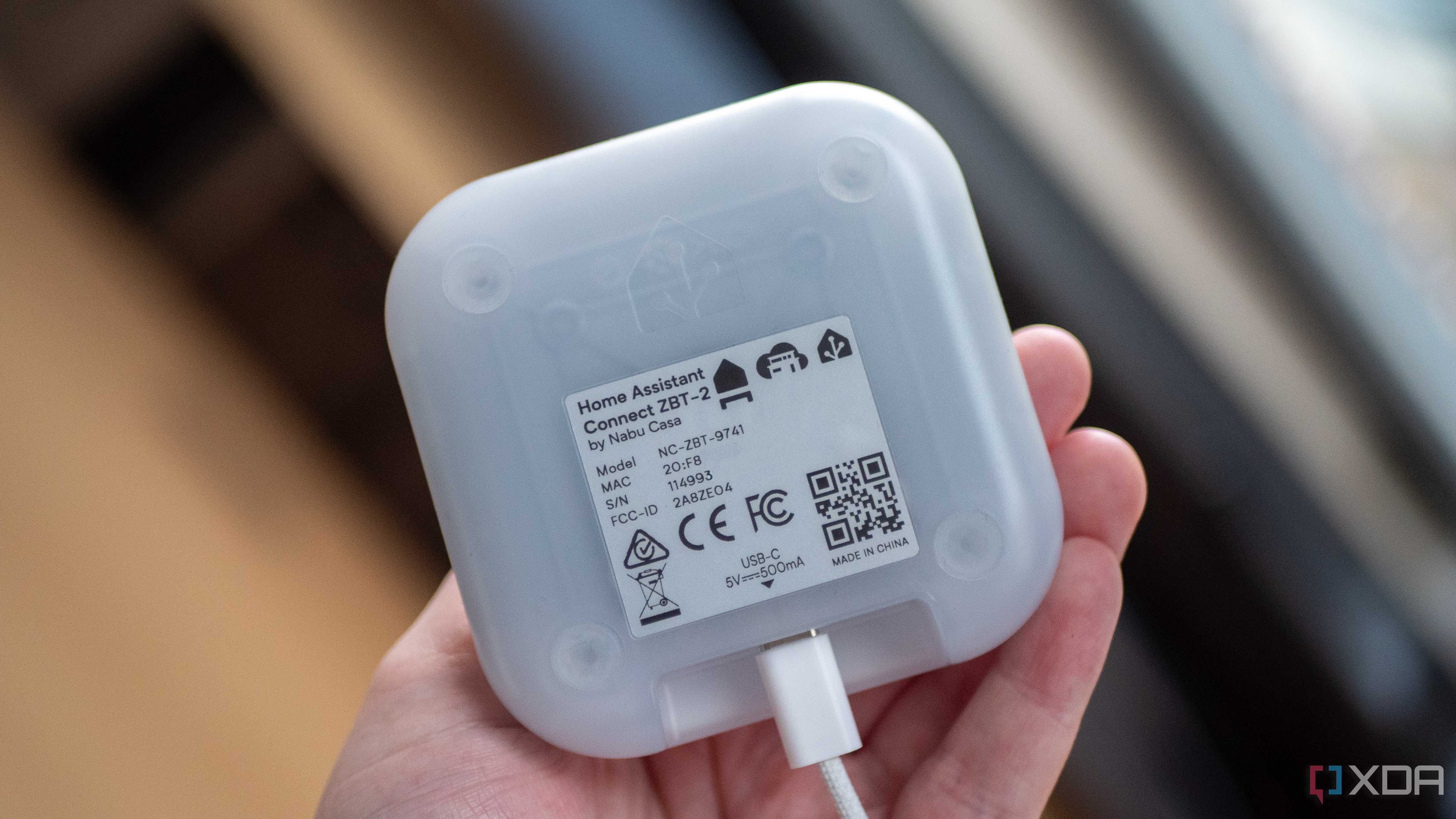
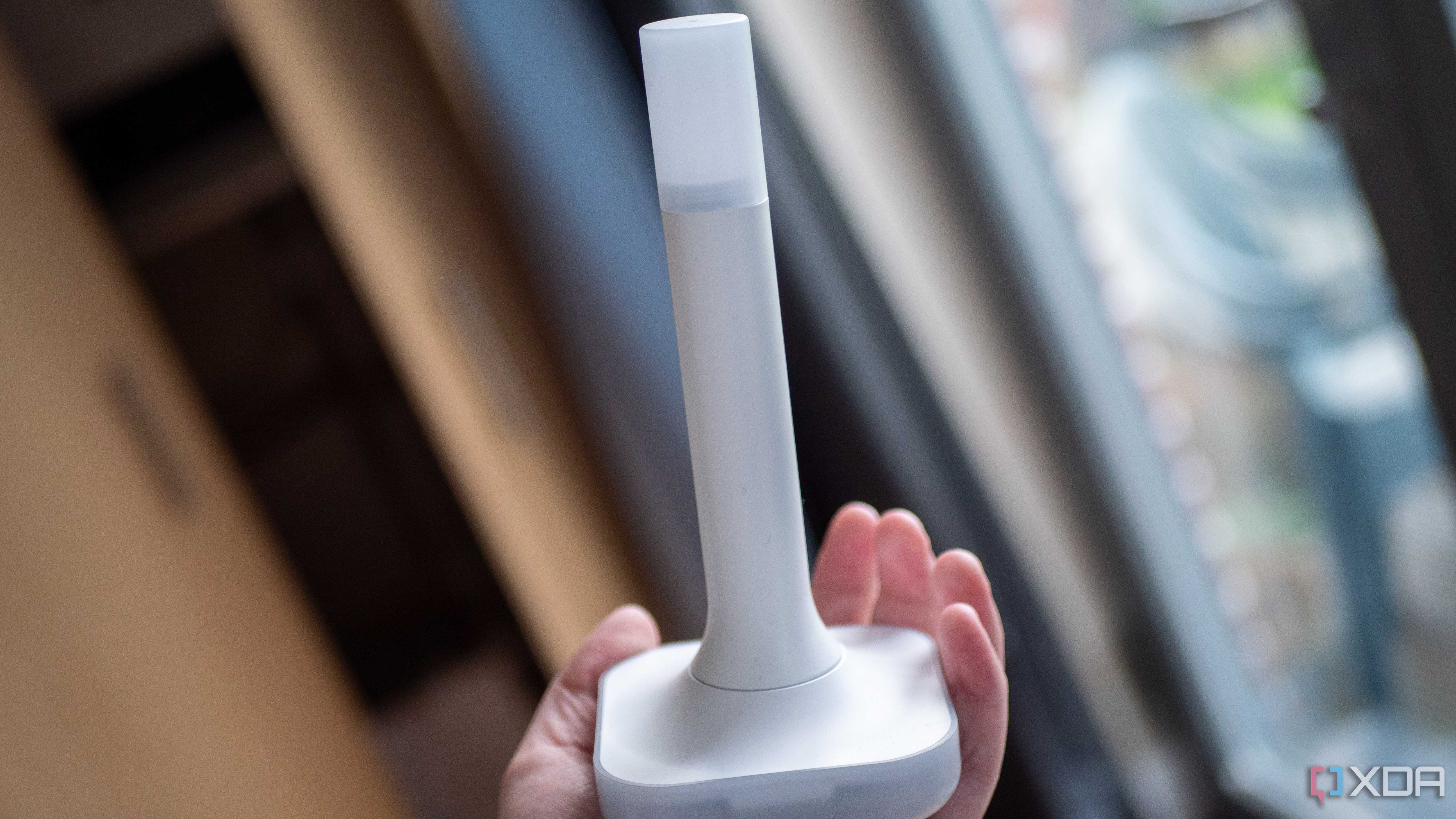
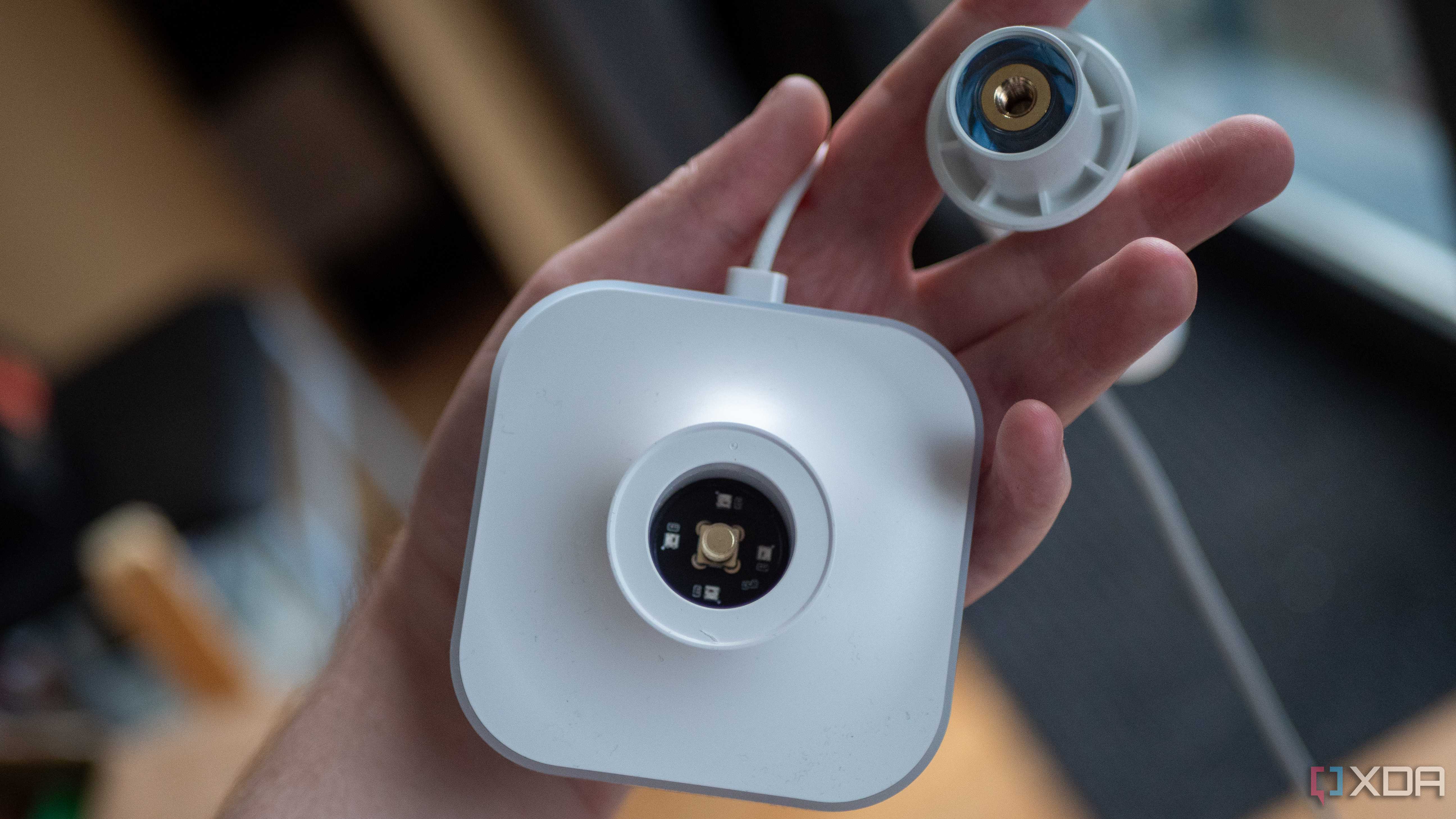
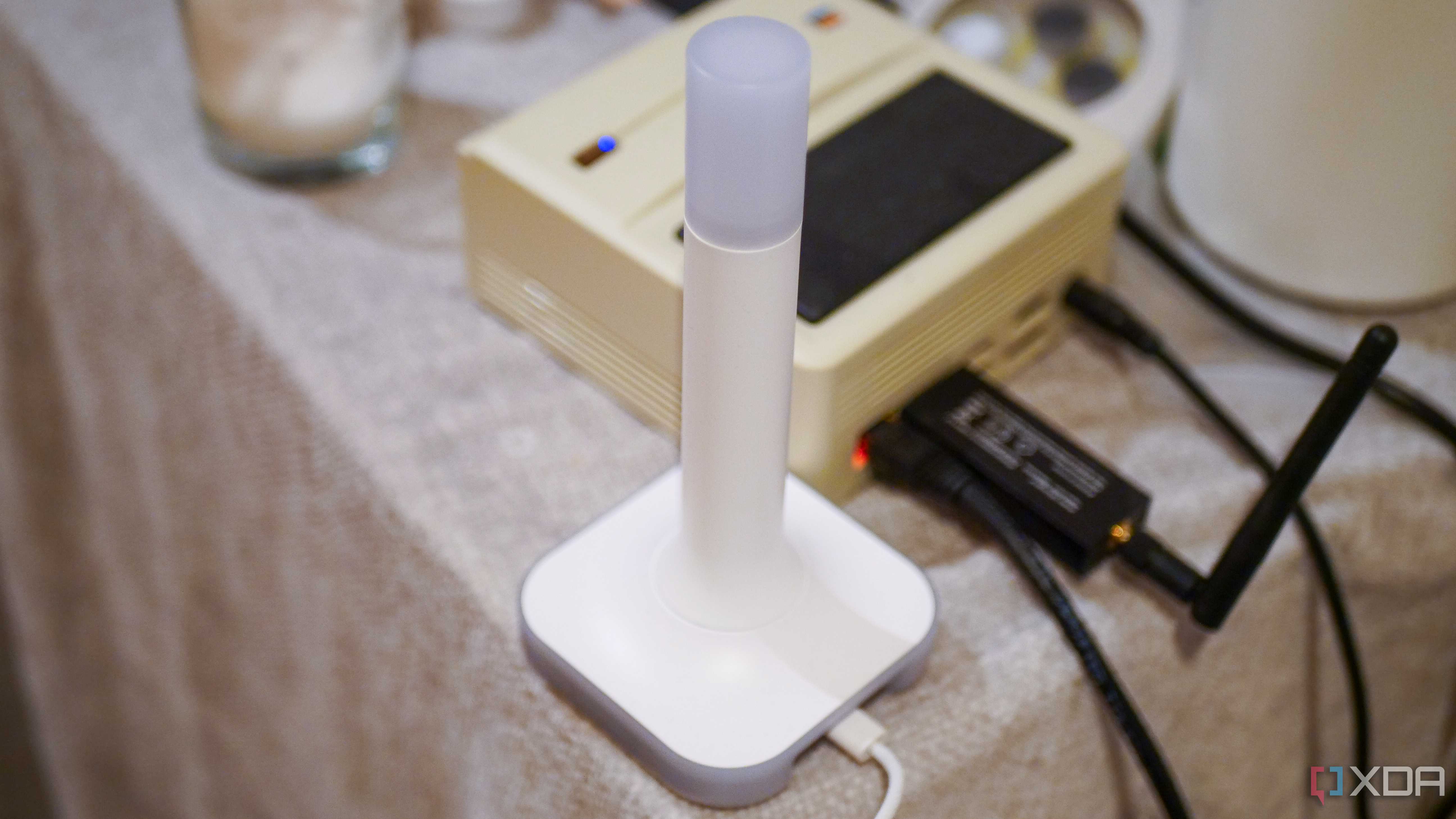
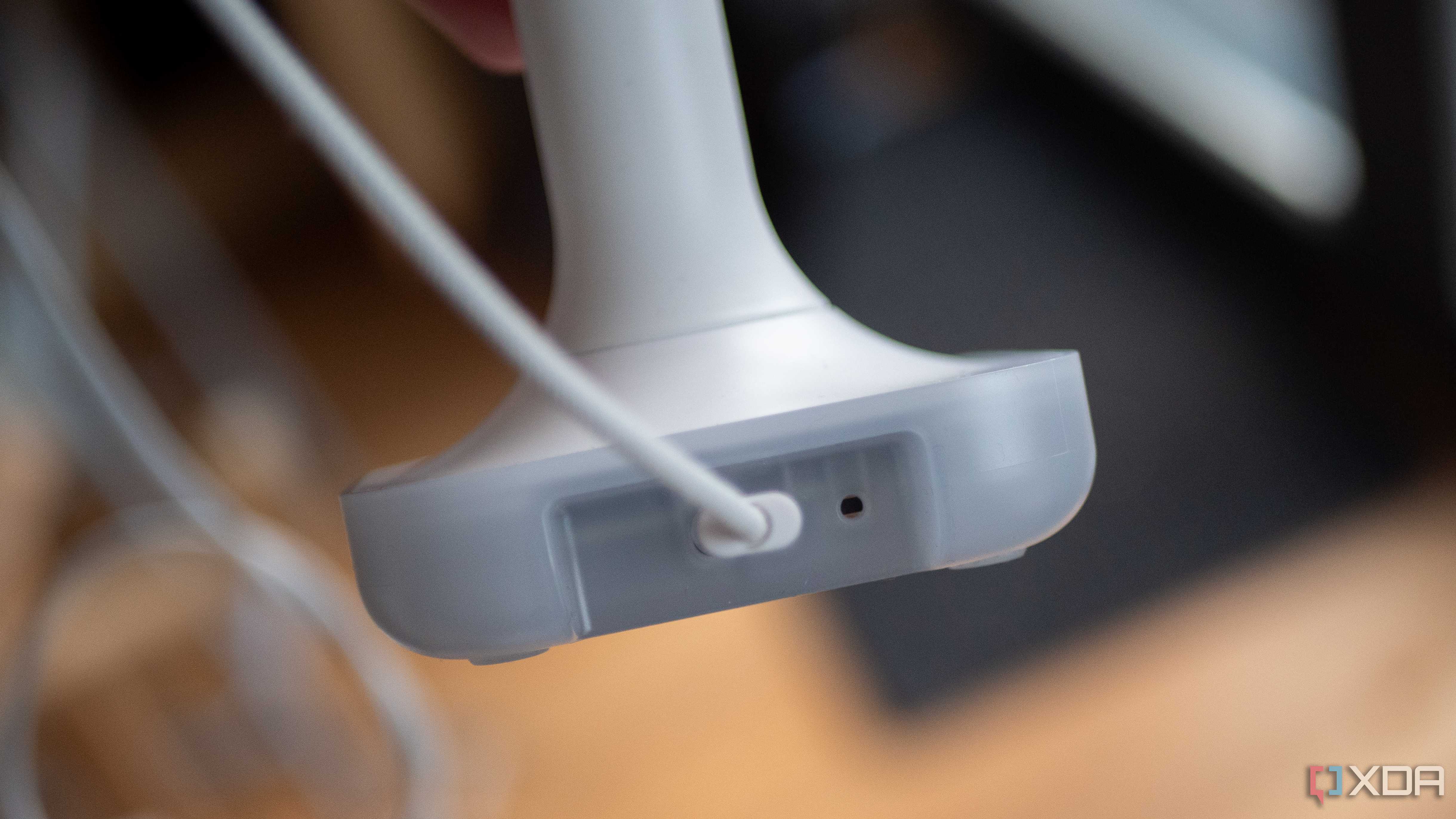


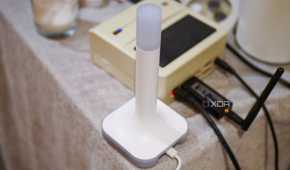

Of course, Home Assistant runs on a pretty wide variety of hardware and a powerful server isn’t exactly essential. However, a server unlocks a certain set of capabilities that truly amplify the experience. For example, you can easily add Zigbee or Matter controllers over USB. Elsewhere, the hardware tends to be powerful enough to handle local object detection on camera feeds in Frigate. These are things that aren’t exactly feasible on a Raspberry Pi.
Similarly, having access to a full-fledged home server makes running backups and performing maintenance significantly easier. That ease of maintenance, running backups, and ease of restoration goes a long way towards making sure that you experiment more, and try and build automations that you wouldn’t have before. Want to get experimental? Give Node-RED a shot. It integrates deeply with Home Assistant and offers a visual programming environment that makes advanced logic easier to build. Instead of thinking in rigid if-this-then-that terms, I could build flows that considered state, time, lighting conditions, occupancy, and more. I’ve even connected Home Assistant to a local LLM to build stronger, smarter automations.
A home server turns a smart home into a cohesive system
Looking back, turning my home server into the brain of my smart home was the most transformative upgrade I have made to my home. I’ve had the hardware all this time, but it was obvious that the true power of the system was being underutilized streaming movies. By deploying it as the center of my smart home, I now have a system where devices talk to each other in smarter ways. Automations feel natural, and the system isn’t just faster, but more reliable and private too. That’s a win-win all around.

Home Assistant
- OS
- Windows, macOS, Linux, Android, iOS, web
- iOS compatible
- Yes
- Android compatible
- Yes
Home Assistant is the best way to connect your smart home systems together.
