
Renaming a database in PostgreSQL is done to change the database name without affecting its data or structure. It is used to:
- Change the database name for better identification.
- Maintain consistency with project or application requirements.
- Organize databases during migrations or updates.
Query:
ALTER DATABASE old_database_name
RENAME TO new_database_name;
Terms:
- ALTER DATABASE: Modifies an existing database.
- old_database_name: Current database name.
- RENAME TO: Renames the database.
- new_database_name: New database name.
Step 1: Create a Database
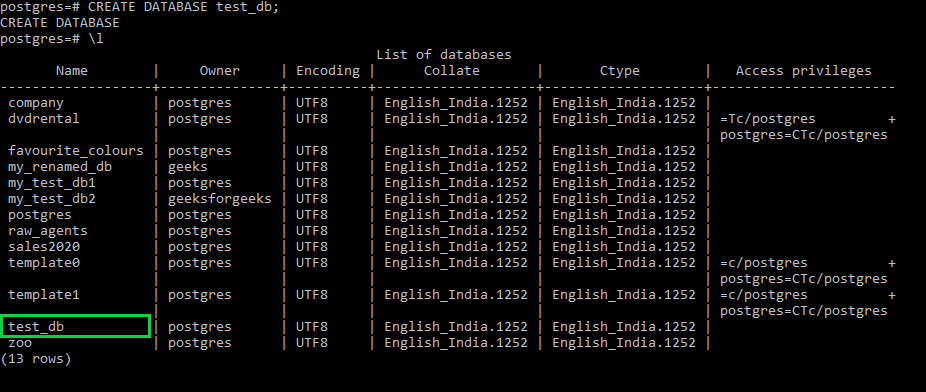
Create a database named "test_db" using the below commands. This will create a new database named test_db. firstly, rename this database.
Query:
CREATE DATABASE test_db;Output
Step 2: Disconnect from the Database
Disconnect from the target database and connect to the default postgres database before renaming it.
Query:
\connect postgresOutput:

Step 3: Check Active Connections
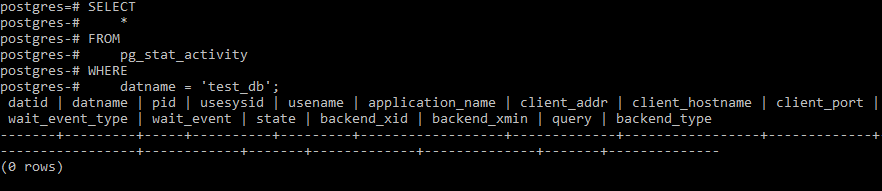
Check if there are any active connections to the database before renaming it.
Query:
SELECT *
FROM pg_stat_activity
WHERE datname = 'test_db';
Step 4: Terminate Active Connections
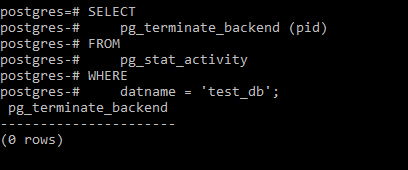
Terminate all active connections to the database before renaming it.
Query:
SELECT pg_terminate_backend(pid)
FROM pg_stat_activity
WHERE datname = 'test_db';
Step 5: Rename the Database
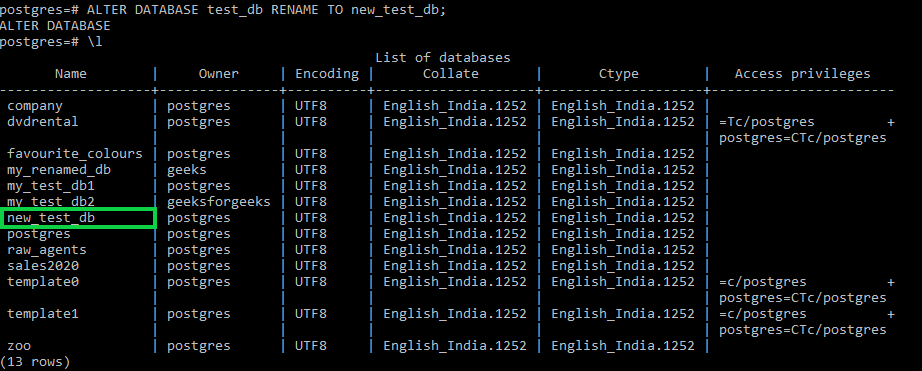
Use the ALTER DATABASE ... RENAME TO statement to rename the database.
Query:
ALTER DATABASE test_db
RENAME TO new_test_db;
Output:
Troubleshooting Rename Issues
- Database in use: Disconnect and terminate all active connections before renaming the database.
- Permission issue: Ensure you are the database owner or have the required privileges.
- Name rules: Use a valid database name and avoid reserved keywords or invalid characters.
